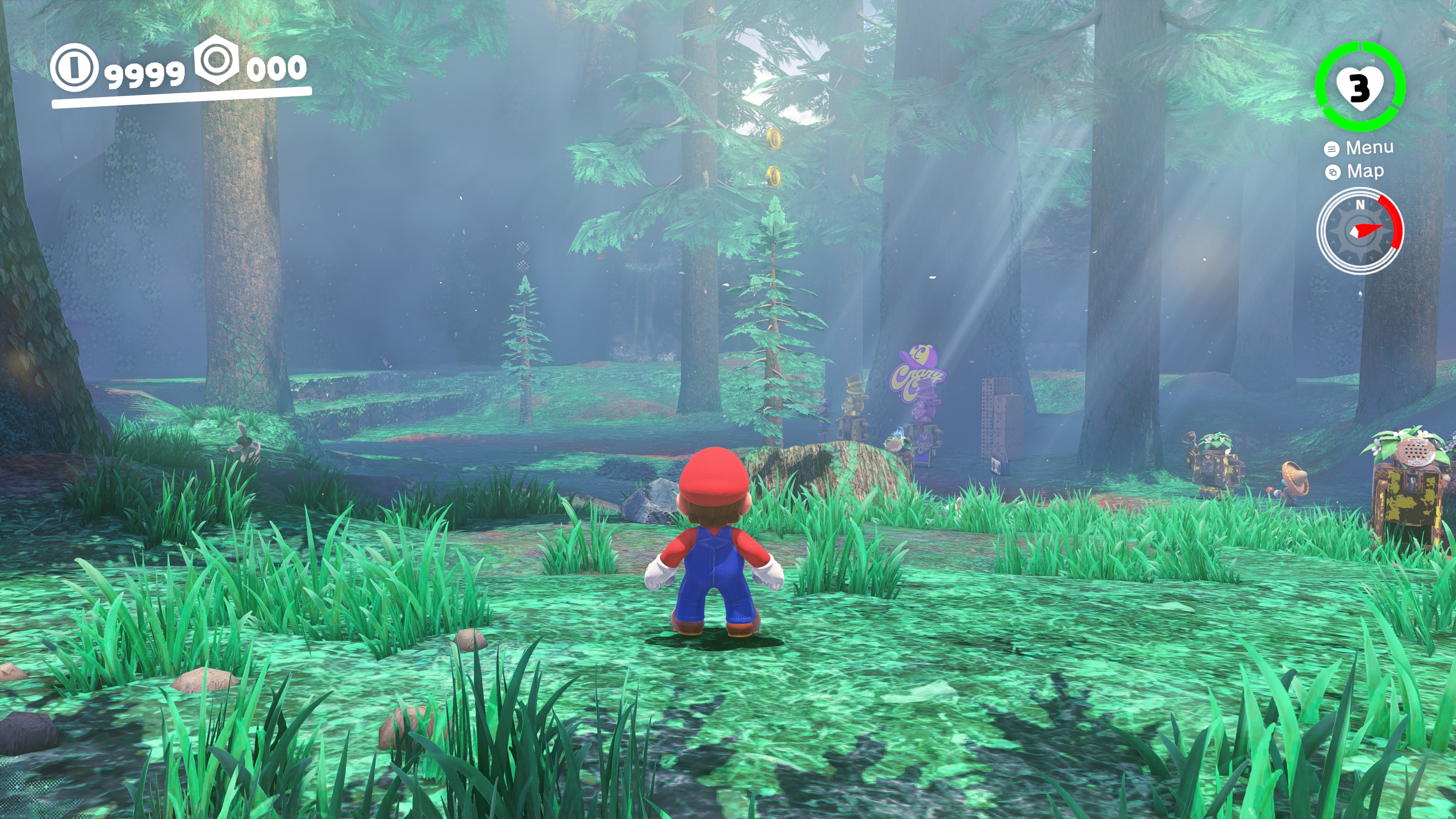
The unofficial Super Odyssey PC Recomp 0.9.0 update, released on November 22, 2026, addresses a particularly frustrating slowdown in the Wooded Kingdom. After the Torkdrift boss fight, falling petals could send the frame rate into a collapse. The project's maintainer says a test on one AMD integrated GPU improved from 14 FPS to 49 FPS with the fix. Those are the developer's measurements, not independent GameLogNews benchmarks or a guarantee for every PC.
The patch also makes bloom and motion-blur options behave properly, improves shader preparation at startup and tackles several crashes. This remains an experimental, community-built native PC port, not a Nintendo-supported PC edition of Super Mario Odyssey. The detailed changes and testing qualifications appear in the official version 0.9.0 release notes.
A specific boss-fight effect was consuming GPU time
The release notes trace the Wooded Kingdom problem to falling petals after the Torkdrift encounter. The effect was triggering roughly 230 copies of the entire picture in a single frame. That amount of repeated image copying can overload a system for no corresponding visual benefit. The new update is designed to avoid the waste.
On an AMD integrated GPU, the maintainer reports a move from 14 FPS before the fix to 49 FPS afterward. That is an encouraging scene-specific test. It should not be turned into a sweeping claim that the whole port runs three times faster or that every Steam Deck and discrete graphics card will experience the same gain. The maintainer has not published that level of comparative testing in these release notes.
If you experienced the slowdown immediately after the Wooded Kingdom boss, this update gives you a concrete reason to retest that area. If your performance problem happens at another point in the game, the petal fix alone may not solve it.
Bloom and motion blur finally respect your settings
Version 0.9.0 also corrects two graphics controls. Previously, turning off bloom did not always keep it off: the glow could return as the camera moved. The maintainer says Bloom quality: Off and Motion blur: Off now work throughout the kingdoms. Bloom's options are ordered Switch / Off / High.
That distinction matters to players who want the original Switch presentation and to players who prefer a cleaner image on a desktop monitor. When a graphics toggle does not stick, it becomes difficult to judge visual differences or compare settings reliably.
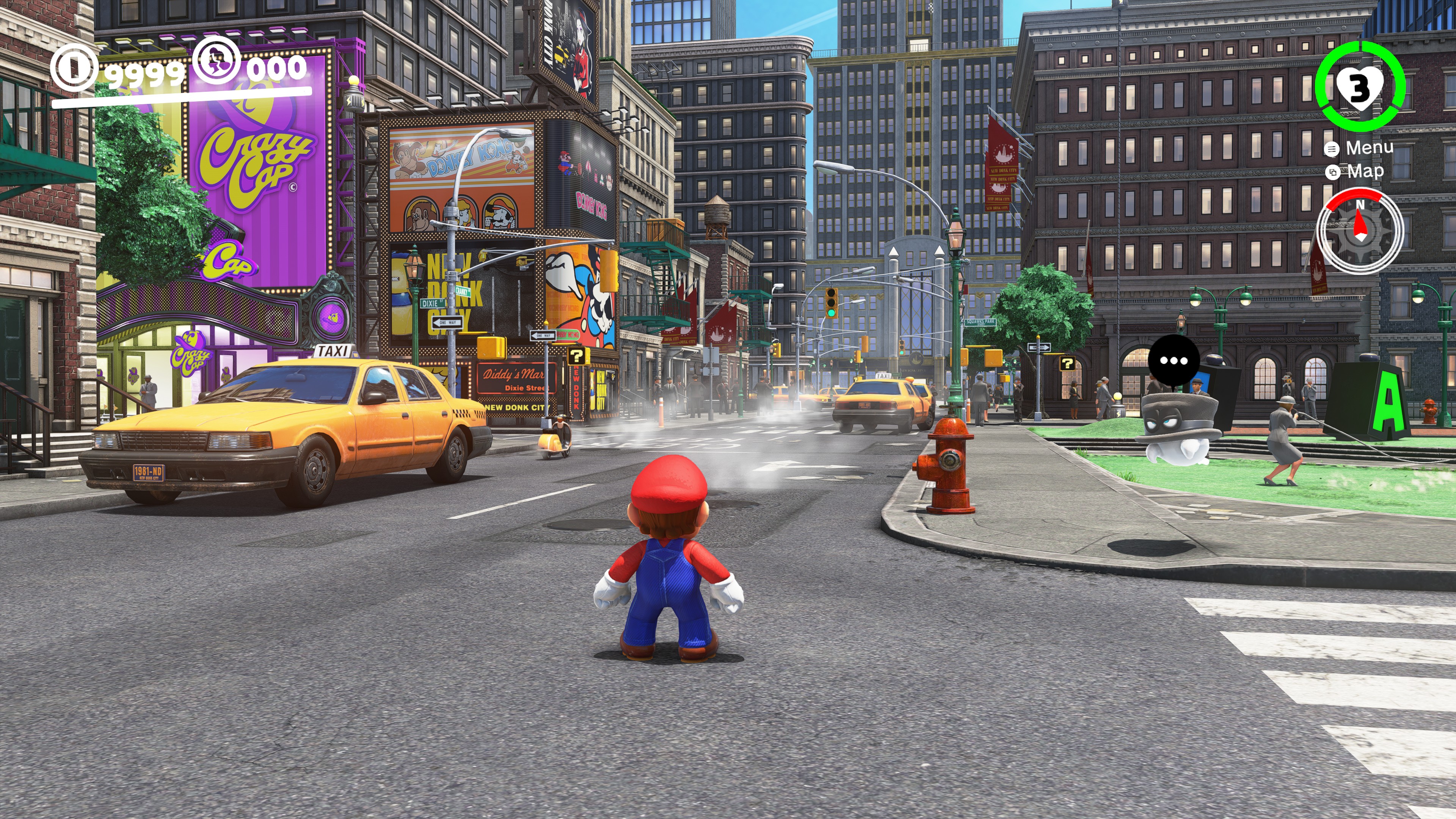
Metro Kingdom at 4K in the port's first-party gallery. This showcase screenshot illustrates the port; it is not a 0.9.0 before-and-after test. Game imagery © Nintendo.
There are still unresolved display issues. The release lists a shadow-distance option that does not affect Snapshot Mode, running dust rendered as black squares on some AMD GPUs, and black tutorial videos when using FSR 3.1. The bloom correction is meaningful, but it does not mean every rendering issue has been resolved.
What changed for crashes and controls?
The update addresses several different trouble spots, and the level of testing varies:
- Brazilian Portuguese translation on game version 1.0.0: a translation package could be missing a text file needed for startup. The updated port takes that file from the user's own game copy.
- Sherm's camera in Metro Kingdom: the developer added protection against a reported crash while Sherm resets its camera. The original crash could not be reproduced during testing, so this is not yet a proven universal fix.
- Older Intel integrated GPUs: the port disables depth clamping on the legacy Intel Windows driver to address a crash when entering a kingdom. The author explicitly states that the affected hardware was not tested.
Those caveats are worth preserving rather than burying under a generic “stability improved” headline. Anyone who encountered one of those specific problems can try the update and provide a reproducible report if the problem persists.
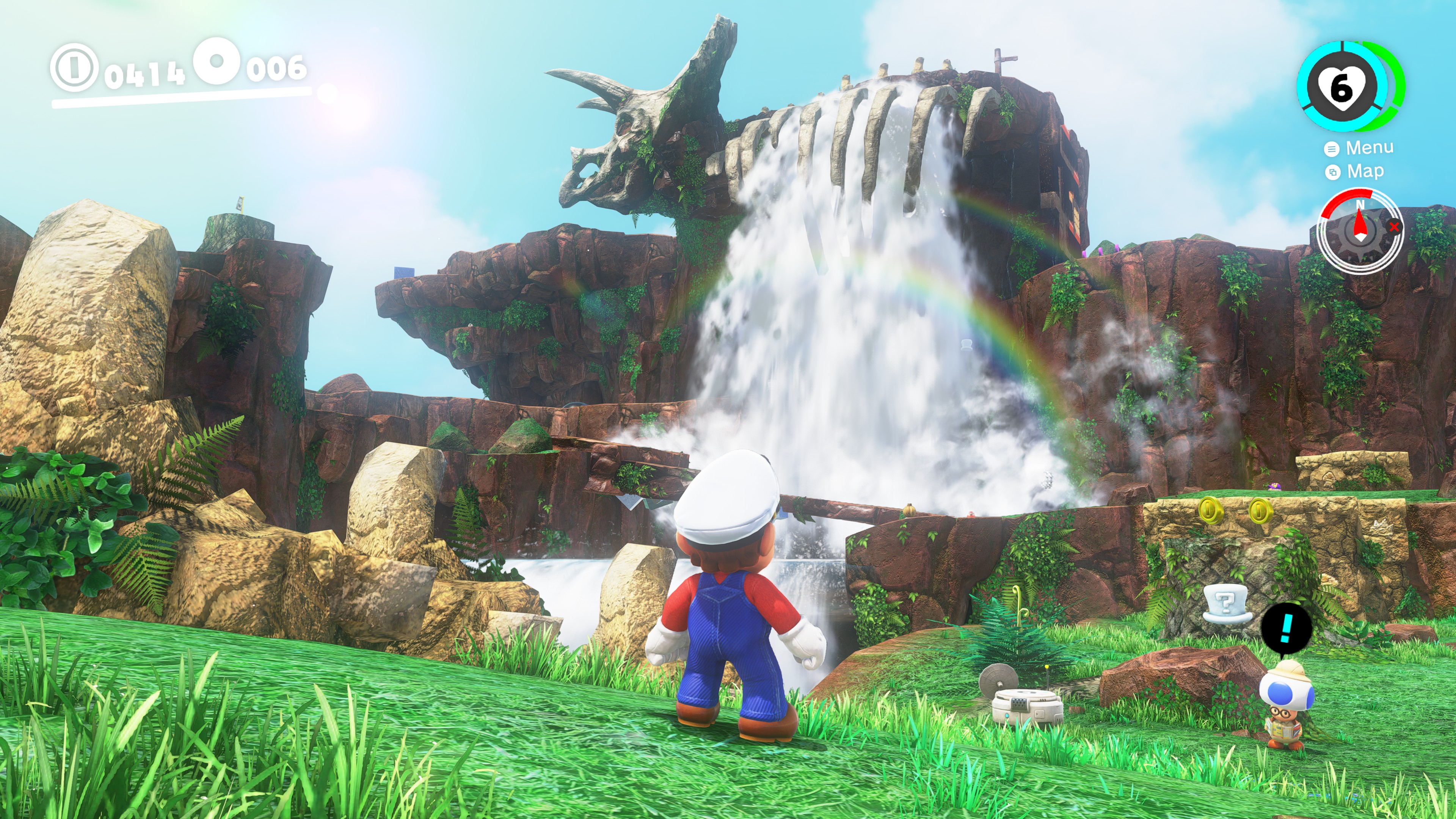
Cascade Kingdom in a maintainer-provided screenshot of the native port; this older image does not claim to show the crash fixes. Game imagery © Nintendo.
Beyond the bug fixes, shader warm-up now uses multiple CPU threads to make startup faster. The game's menus accept mouse input on version 1.0.0 as well as 1.4.1. A new control option can turn the shake key or button into a homing throw, while shake remains the default action. A small settings-navigation bug is gone too: pressing Down on the last row should no longer jump to another tab.
How to update, and what still needs work
The project's GitHub release page provides the Windows download and a Linux/Steam Deck AppImage. The maintainer also describes updating inside the port's own menu. According to the notes, existing game files, saves and settings remain in place, although the game code is rebuilt and shaders are prepared once again after this release. The author quotes roughly four minutes for rebuilding on their PC and twenty minutes on a Steam Deck; actual duration depends on the system.
As ever, this port requires compatible files from a player's own copy of Super Mario Odyssey. Its downloads do not bundle Nintendo's proprietary game data. The project's README details supported versions, hardware, controls and known limitations; this article does not offer unauthorized game files or extraction instructions.
The project still reports an opening-cutscene driver failure on one AMD Linux laptop that its maintainer could not reproduce. It also describes the remaining AMD dust artifacts and FSR 3.1 video issue noted above. High-refresh-rate modes are still experimental, so 60 FPS remains a sensible baseline when diagnosing odd animation or timing behavior.
Is 0.9.0 worth installing?
For players hit by the post-Torkdrift FPS collapse, yes: this is a directly relevant fix. The graphics-option changes also give people another reason to update. But there is no basis yet for promising a universal performance increase, perfect AMD compatibility or a finished PC experience.
The wider lesson is that native recompilation is not simply a matter of making a console game launch on Windows. A tiny-looking visual effect can trigger hundreds of unnecessary full-frame copies, while driver compatibility and graphics toggles still need individual engineering. Honest testing notes are part of the progress.
If you missed the previous round of changes, our 0.6.0 coverage explains earlier water, HUD and high-refresh fixes.
Source date: November 22, 2026