Super Odyssey PC Recomp 0.6.0 is out as a preview for Windows, Linux and Steam Deck, targeting several visible annoyances in the unofficial native PC port of Super Mario Odyssey. The November 21 release fixes a death-screen transition, addresses missing stew and water surfaces in two kingdoms, improves HUD scaling and adds experimental high-refresh-rate motion work. It is not an official Nintendo PC release, and it still requires a player's own copy of the game.
The maintainer's 0.6.0 release notes were published at 10:11 UTC on November 21. The timing matters because this is a specific new build, not a recycling of the project's earlier high-resolution screenshots or older 0.5.x updates. The developer describes the project as a static recompilation: code from a legitimately sourced game copy is processed into a native program rather than executed by a running console emulator.
Bugs players may notice immediately
One correction changes what happens after Mario loses a life. The screen now remains black from the wipe closing until the coin-count screen, rather than briefly revealing the scene again. This is a presentation fix, but a conspicuous one in a game where restarting a challenge is part of normal play.
The developer also lists fixes for the surface of Luncheon Kingdom's stew and the sea in Seaside Kingdom. Previously, those surfaces could disappear for an entire visit; the release notes describe a captured Lava Bubble falling through the stew and water behaving like solid land. The maintainer asks for reports if the problem still appears, so it would be premature to certify the bug eradicated in every configuration.

The release also repairs a box appearing beneath the life gauge after an aspect-ratio switch. Together these are small fidelity changes, but they matter to players testing a port that is supposed to preserve the original game's rules and presentation.
Higher refresh rates remain experimental
The most intriguing technical change concerns Super Mario Odyssey version 1.4.1. The author says Mario, Cappy and the camera now move between underlying game updates when output exceeds 60 frames per second, making 120 Hz and 144 Hz motion steadier than before. The wording is deliberate: improved interpolation or presentation is not the same as an internally redesigned game simulation.
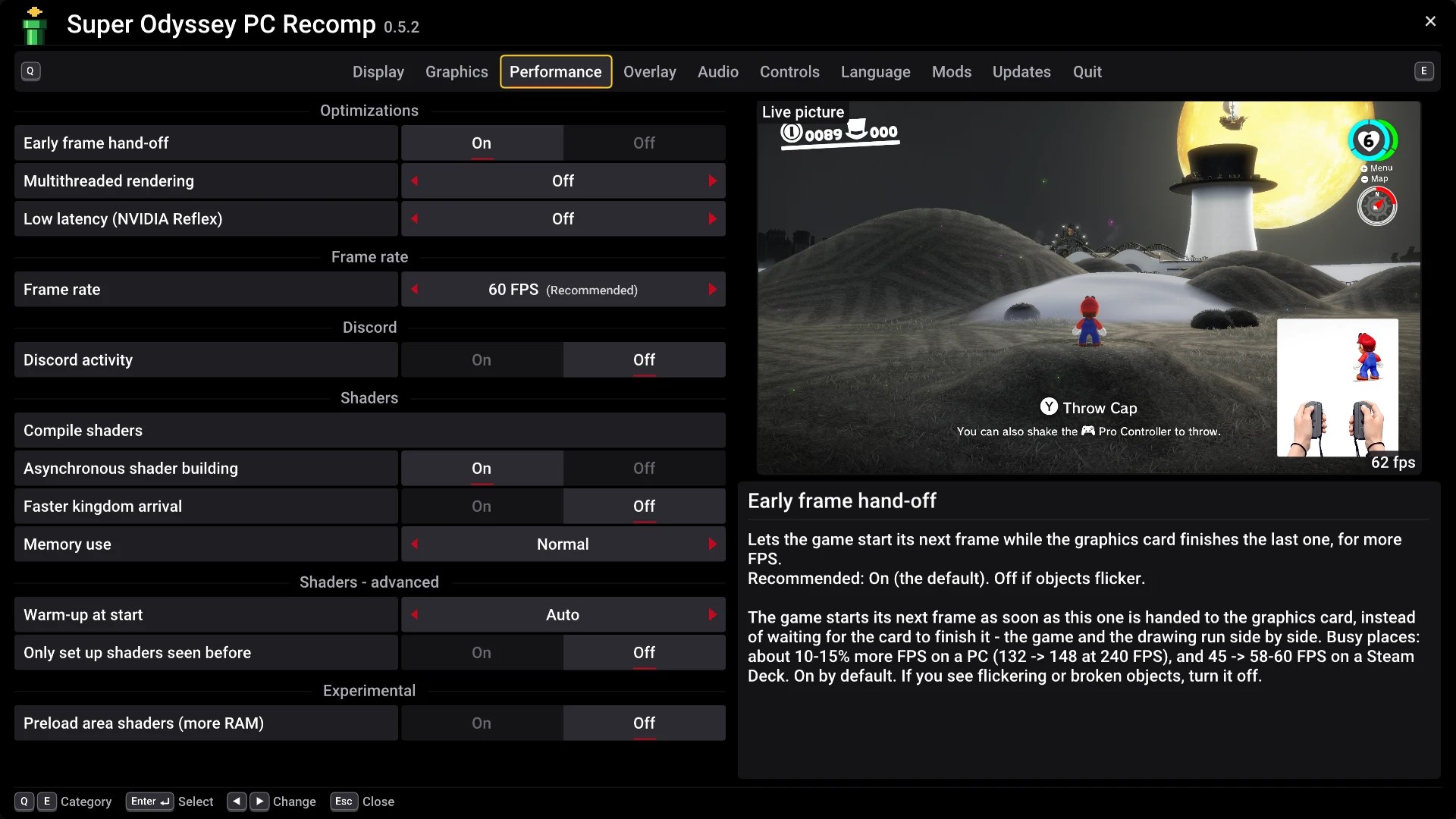
The port's documentation still cautions that its high-refresh-rate modes are less thoroughly tested than 60 FPS and that some animation and transitions may retain 60 FPS behavior. A separate correction fixes the VSync-off 60 FPS mode running a little too fast, around 60.6 frames per second. Anyone seeing inconsistent physics, input or motion should return to the baseline setting and report the reproducible scene.
HUD scaling and lower-end hardware
Players using Steam Deck's 16:10 display or a 4:3 window should see life indicators, counters and button guides positioned at the picture edges. In the graphics options, a 'High' quality setting now draws HUD text and menus with smooth edges on larger displays and supersedes the previous 'Sharper HUD and menus' toggle.
A new Performance preset provides a quicker starting point for less powerful PCs. The notes do not establish a universal minimum frame rate or promise that an integrated GPU will run every kingdom flawlessly. Actual behavior depends on the hardware, game data, drivers and environment. The project also says logs are now written when launching through RecompLauncher, which should make bug reports easier to investigate.
What PC players need before updating
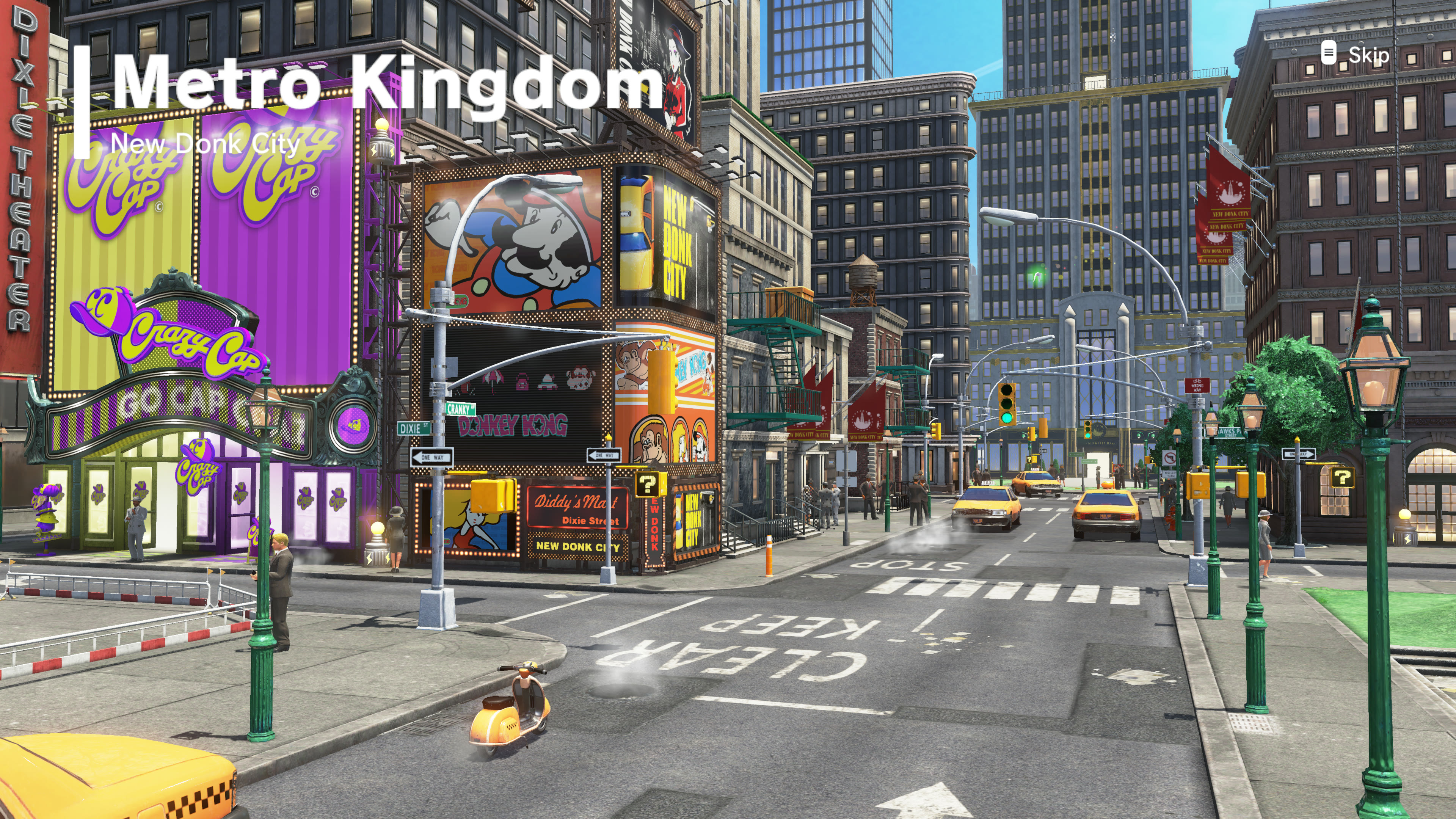
The project supports the original game versions 1.0.0 and 1.4.1, according to its official README. It does not supply Nintendo game code or assets in its release. A user needs their own game files; the project's installer then builds the native executable locally. We are not providing game copies, console keys or instructions to obtain copyrighted files from other people.
The maintainer says existing installations can update using the built-in menu or the downloadable Windows archive and Linux AppImage. Shader preparation runs again once on this update, but rebuilding the game code is not required. Saves and configuration are intended to remain in place; backing up before experimenting with a preview remains sensible.
Linux and Steam Deck support is explicitly experimental. The README also documents visual artifacts, driver-specific problems and occasional frame drops. Its ambitious graphics features, including modern upscalers and 4K settings, should not be confused with an independent performance benchmark of the new release. We have not installed or tested 0.6.0 ourselves.
Why this update matters
Static recompilation is turning a once niche preservation technique into a practical option for some owners of console games. This particular project is also notable for its maintainer's disclosure that AI tools wrote much of the implementation under human direction and testing. That transparency makes the limits of its preview status especially important.
Version 0.6.0 looks like the sort of maintenance release a promising port needs: fixes to correctness, a more readable interface and more diagnostic information. The project's own release post says the path toward 1.0 will depend on player reports. If stability matters more than headline FPS, treat 60 FPS as the safer default while testing this preview.
Source date: November 21, 2026