
The November 24 release of xbased 1.2.9 gives players of the original Xbox version of Crazy Taxi 3: High Roller a specific reason to revisit the game. The developer reports fixing a performance problem that only appeared after playing through several locations, rather than immediately at startup. A related rendering-buffer problem in Forza Motorsport is also addressed.
The official release notes describe the changes, and the maintainer's response to a community bug report explains how the slowdown was reproduced. This is a closer look at what the patch changes and how to evaluate it, not a claim that every Xbox title now runs perfectly. GameLog News has not independently benchmarked the release.
Why the Crazy Taxi 3 slowdown was easy to miss
An emulator can look convincing during a short test and still struggle during an extended session. That is what made this report useful. A player using xbased 1.2.5 on Windows with an RTX 3070 described a substantial drop after visiting different maps. The maintainer subsequently reproduced the issue by visiting Small Apple, West Coast and Glitter Oasis in that order.
For the player, the important detail is the transition between locations. A quick trip to Glitter Oasis from a fresh launch might not reveal the same behavior as reaching it after the other areas. The reported drop was from 60 frames per second to roughly 20–30, not merely an occasional hitch. The developer says the affected sequence now retains its intended speed after the fix.
These numbers describe the specific bug and the maintainer's investigation. They are not measurements collected across different processors, graphics cards or resolutions.
What changed in the rendering pipeline
The problem involved the emulator retaining an outdated assumption about which rendering buffers the CPU was writing to. Menu activity could leave that assumption in place long after it was relevant, causing costly memory transfers during subsequent gameplay.
Think of it as unnecessary housekeeping: the emulator was spending time moving image data even when the conditions that originally required the transfer no longer applied. Correcting the ownership tracking removes that particular source of overhead. The release also adjusts synchronization behavior when the existing pacing mechanism interferes with a game's own timing.
That distinction matters for other titles. A pacing mechanism that hurts one game can still be useful for another. The release notes identify Grand Theft Auto: Vice City and Ninja Gaiden Black as examples where the relevant synchronization behavior remains in place.
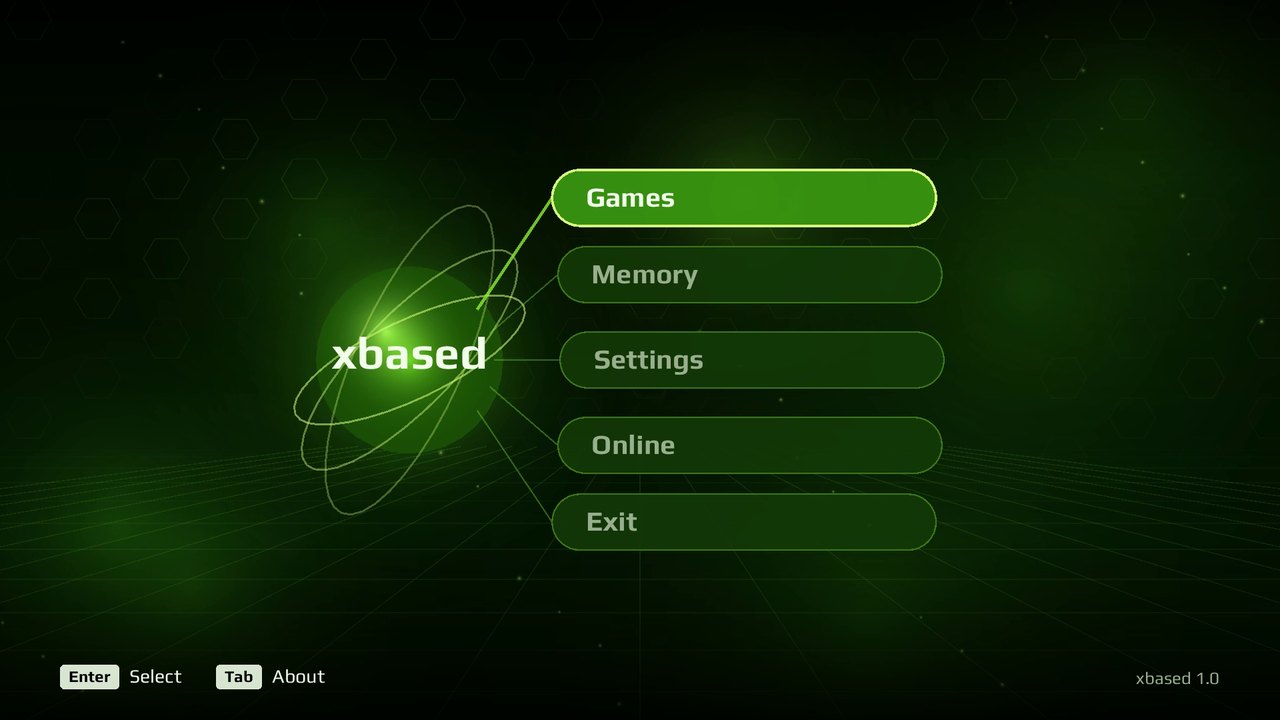
Source: xbased developer documentation, GPL-3.0-or-later project. This earlier interface illustration is not a screenshot of version 1.2.9 running Crazy Taxi 3.
What the Forza Motorsport fix does and does not establish
Forza Motorsport is mentioned because its menus produced a related buffer-handling problem. The maintainer says that behavior is corrected, while asking players to supply a log if performance still declines after several races.
That makes a multi-race session more useful than a single lap when comparing versions. If a player sees an improvement, it is worth noting whether it happens only after navigating menus, or whether it also affects a fresh race. A separate slowdown could have a different cause. The patch notes do not provide a complete compatibility assessment for every track or graphics configuration.
How to check the update on your own PC
The project documentation lists Windows 10/11 and Linux builds for x86-64 PCs. It specifies a Vulkan-capable graphics device and an SSE4.1-capable processor. The emulator is intended for use with game data from discs you own.
Before changing versions, keep a backup of your saves and configuration. Use the same game version, graphics options, internal resolution and display mode for both runs. For Crazy Taxi 3, repeat the sequence of locations described by the developer instead of comparing unrelated parts of the game. For Forza, try several races with normal menu transitions.
Start with the game's original frame-rate behavior rather than adding an optional higher frame-rate patch. This is a testing recommendation, not an additional requirement of 1.2.9. Changing several settings at the same time makes it harder to identify why performance differs.
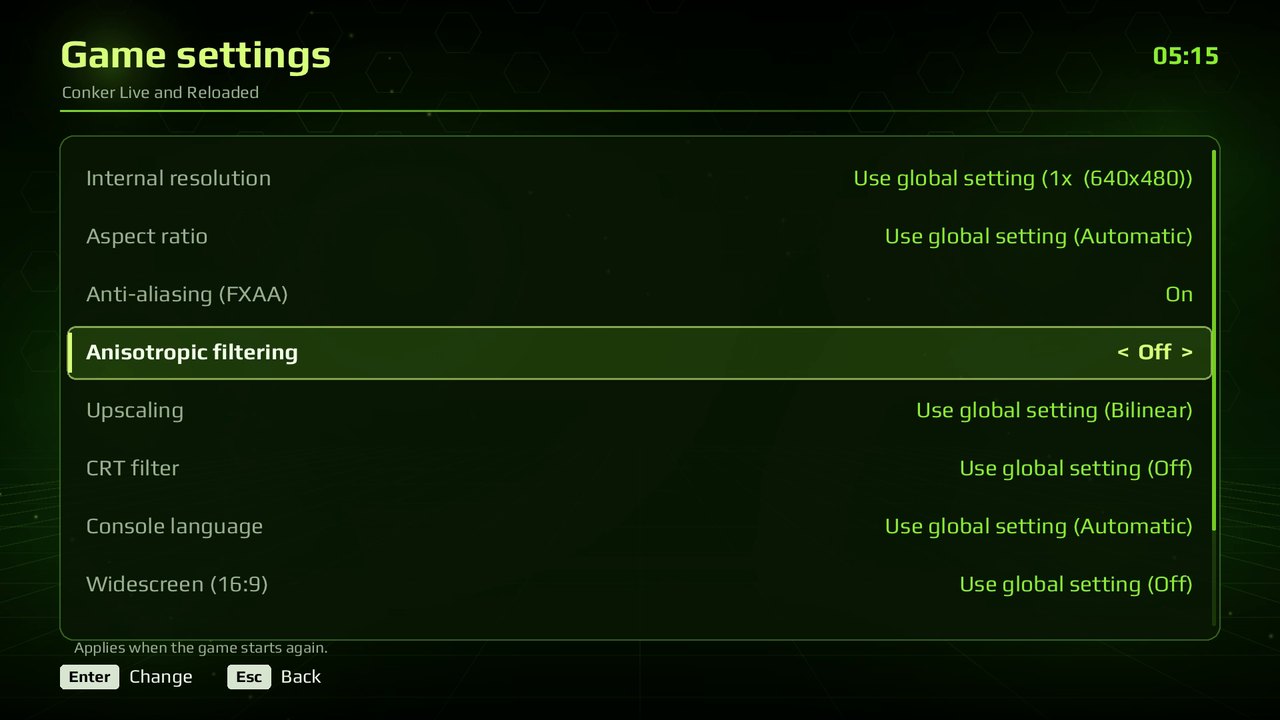
Source: xbased developer documentation. The settings illustration shows Conker Live and Reloaded as an example of the interface, not a game newly fixed by this patch.
Where to find the update
The version-specific GitHub release is the clearest starting point for checking the patch and available downloads. The official xbased website also provides project information and a compatibility-reporting system. The developer links an official project trailer from the project README; it introduces xbased generally rather than demonstrating this particular correction.
For owners of these games, the practical question is whether the emulator remains responsive over a full play session. That is a more useful test of the November 24 change than a single screenshot or an impressive peak FPS number.
Cover: official xbased project artwork, crazyriddler; project license GPL-3.0-or-later. No affiliation with the game publishers is implied.
Source date: November 24, 2026