Call of Duty: Modern Warfare 4 is out on PC, with more graphics and system options than a simple Low-to-Ultra slider. Infinity Ward and Beenox support NVIDIA DLSS 4.5, AMD FSR Redstone, Intel XeSS 3, a built-in benchmark and Advanced Shader Delivery. But the right starting point depends on your GPU, display and whether Windows meets the game's mandatory security requirements.
This is a practical, source-backed guide, not a claim that we independently benchmarked the game. It combines Activision's official PC technology overview, PC requirements and October 30 launch fixes. The PC features announcement dates to September 29; we are not presenting it as a breaking announcement from November 2.
Check the PC hardware requirements first
Activision lists an SSD with 115 GB available at launch, DirectX 12 support and broadband internet. The minimum CPU is a Ryzen 5 1400 or Core i5-6600, paired with 8 GB RAM and a GTX 970/1060, Radeon RX 470 or Arc A580; the minimum published VRAM is 3 GB.
The company's recommended specification targets 90 FPS at High settings in multiplayer with a Ryzen 5 3600 or Core i7-8700K, 16 GB RAM, and an RTX 3060 Ti, RX 6600 XT or Arc B580 with 8 GB VRAM. This is a developer target, not a guarantee of locked 90 FPS in every match or on any computer that appears similar.
For high-quality ray tracing at upscaled 4K, Activision lists a Ryzen 7 3700X/Core i7-10700K, 32 GB RAM and an RTX 5070 Ti or RX 9070 XT with 16 GB VRAM. Ray tracing is supported in Campaign, Multiplayer and DMZ, but isn't required for competitive play.
Practical starting settings for smoother FPS
There is no verified universal preset for all PCs. Start with the game's automatic hardware setup, then compare a few measurable changes:
- Resolution and refresh rate: choose your monitor's native resolution and confirm the refresh rate in Windows and in the game. A fast monitor cannot show its full capability if the display mode is set incorrectly.
- Upscaling: test DLSS 4.5 on a supported NVIDIA GPU, FSR Redstone where available, or XeSS 3 on compatible hardware. Compare edges, motion clarity and measured frame rate rather than assuming one quality preset always wins.
- Ray tracing: switch it off initially if your priority is competitive FPS and you lack GPU headroom. Enable it later and measure the difference.
- Shadows and reflections: reduce demanding shadow and screen-space-reflection options incrementally; do not change every setting at once or you won't know what helped.
- Depth of field: MW4 separates World Depth of Field and Weapon Depth of Field. Try lowering world blur if you prefer clearer sightlines, while keeping the weapon appearance you enjoy.
- Sharpness and FOV: use the new universal upscaler sharpness slider conservatively. Enhanced FOV is another supported feature, but extreme adjustments may not improve comfort or situational awareness for everybody.
Frame generation can raise displayed FPS, but responsiveness also depends on input latency and the underlying rendered frame rate. Treat a high FPS counter as only one part of the competitive experience.
Benchmark before and after every change
Modern Warfare 4 includes a built-in benchmark that simulates multiplayer action and reports average FPS, CPU and GPU behavior, ping and input latency. It also summarizes results across different zones and offers setting suggestions, according to the publisher.
Run it with your starting preset and write down the results. Change one option, rerun the benchmark under similar conditions, and compare. If the GPU is saturated, resolution scaling and expensive lighting effects are sensible candidates. If the result looks CPU-limited, reducing a GPU-only setting may change almost nothing.
Do not confuse an online connection or server problem with a slow graphics card. A smooth synthetic benchmark and erratic live match can indicate network or game-service factors, and the developer's patch history confirms that some earlier problems were server-side crashes.
Does Advanced Shader Delivery stop shader stutter?
Activision says Advanced Shader Delivery (ASD) can deliver precompiled shaders on supported PC platforms, reducing the time spent preparing shaders at startup. It recommends the Xbox PC app for players who want ASD, even when using a different supported PC storefront.
The Xbox app is optional for this feature; it does not mean MW4 must be purchased on Xbox. Install supported updates and a current graphics driver before comparing startup times. Avoid unexplained third-party “shader fix” downloads and never modify protected game files to chase a supposed instant FPS boost.
Activision's launch driver recommendations were NVIDIA 616.56, AMD 26.7.1 and Intel 32.0.101.8974. Check each manufacturer's current driver page before treating launch versions as still the newest. Intel Arc systems additionally require Resizable BAR.
Why TPM 2.0 and Secure Boot matter
Activision explicitly requires TPM 2.0 and Secure Boot for PC as part of RICOCHET anti-cheat. A powerful RTX or Radeon card does not bypass a firmware-security startup requirement.
If MW4 reports a related error, first inspect the device's Windows security information and firmware mode. Then follow Activision's official TPM guidance and your motherboard manufacturer's instructions. Changing BIOS options carelessly can affect booting or encryption recovery, so check backups and recovery information before altering firmware.
The publisher currently lists only Intel and AMD CPUs with AVX instruction support. It also cautions that some laptop GPU model names do not guarantee desktop-equivalent compatibility.
What did the October 30 update fix?
The official patch notes report repairs for several server crashes, a PC Marksman Rifle Platinum Camo progress display error and a black screen that could occur when changing teams before a private match. The October 29 update also tackled stability, multiplayer experience rewards and selected DMZ economy issues.
Those are identified fixes, not proof every PC crash, stutter or connection problem is gone. If your issue persists, update the game, verify current service status and consult the issue board linked by Activision. Lowering graphics settings cannot repair a multiplayer server outage.
Quick troubleshooting checklist
Confirm your PC meets the minimum specification; leave sufficient SSD space; check TPM 2.0, Secure Boot and any Intel Arc Resizable BAR requirement; install current game and GPU updates; enable ASD if your setup supports and benefits from it; then use the built-in benchmark to evaluate upscaling, ray tracing and visibility settings.
Save settings that improve your actual frame times and input responsiveness, not an influencer's unverified one-number promise. Activision's PC feature article explains what the options do, the official requirements page lists system restrictions, and the patch archive provides the current developer-side fix history.
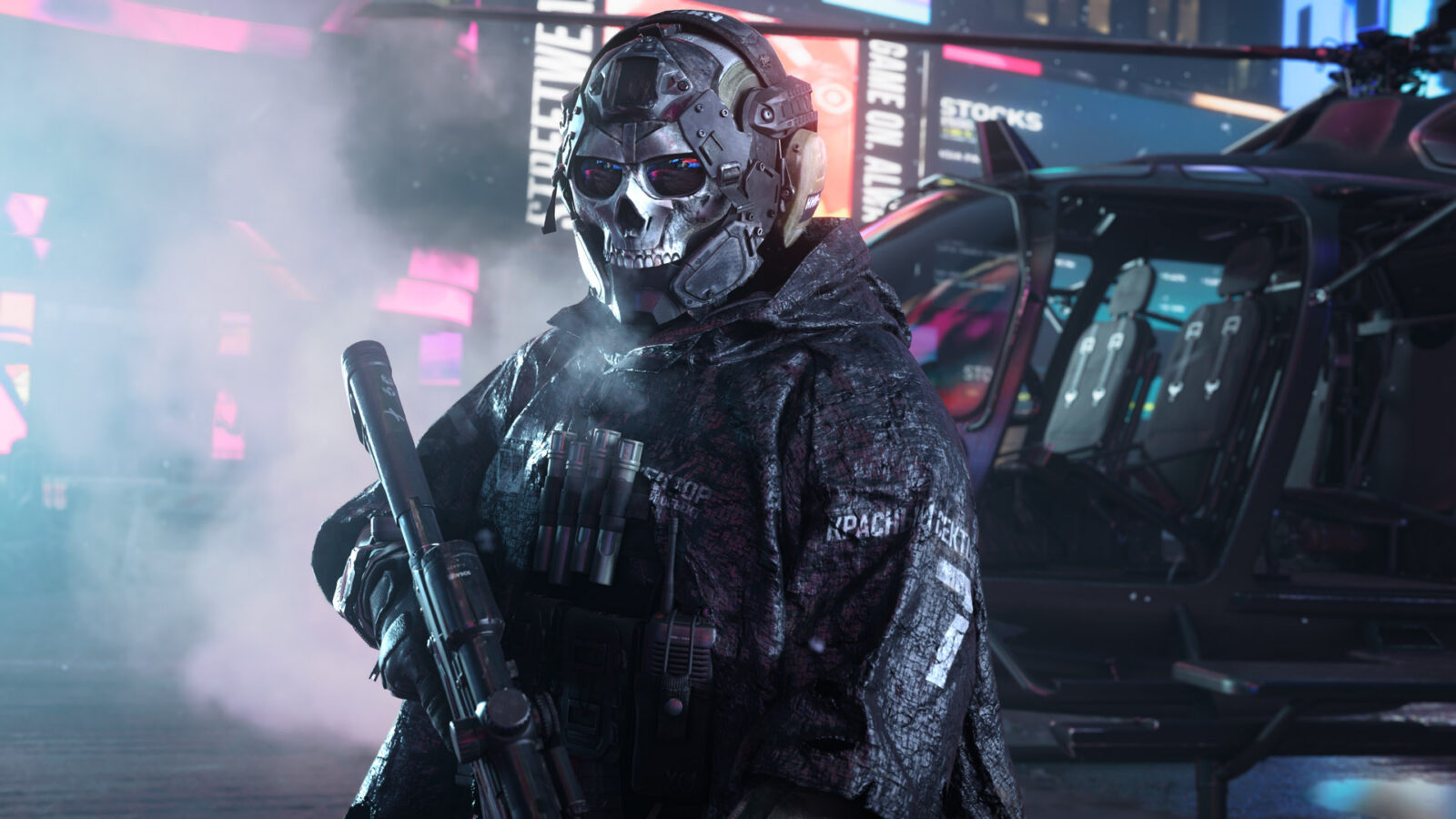
The hero is a genuine Modern Warfare 4 in-game promotional image published by Microsoft's official Xbox Wire; Activision also distributes game screenshots through its press media center. It is not AI-generated artwork.
Source date: September 29, 2026