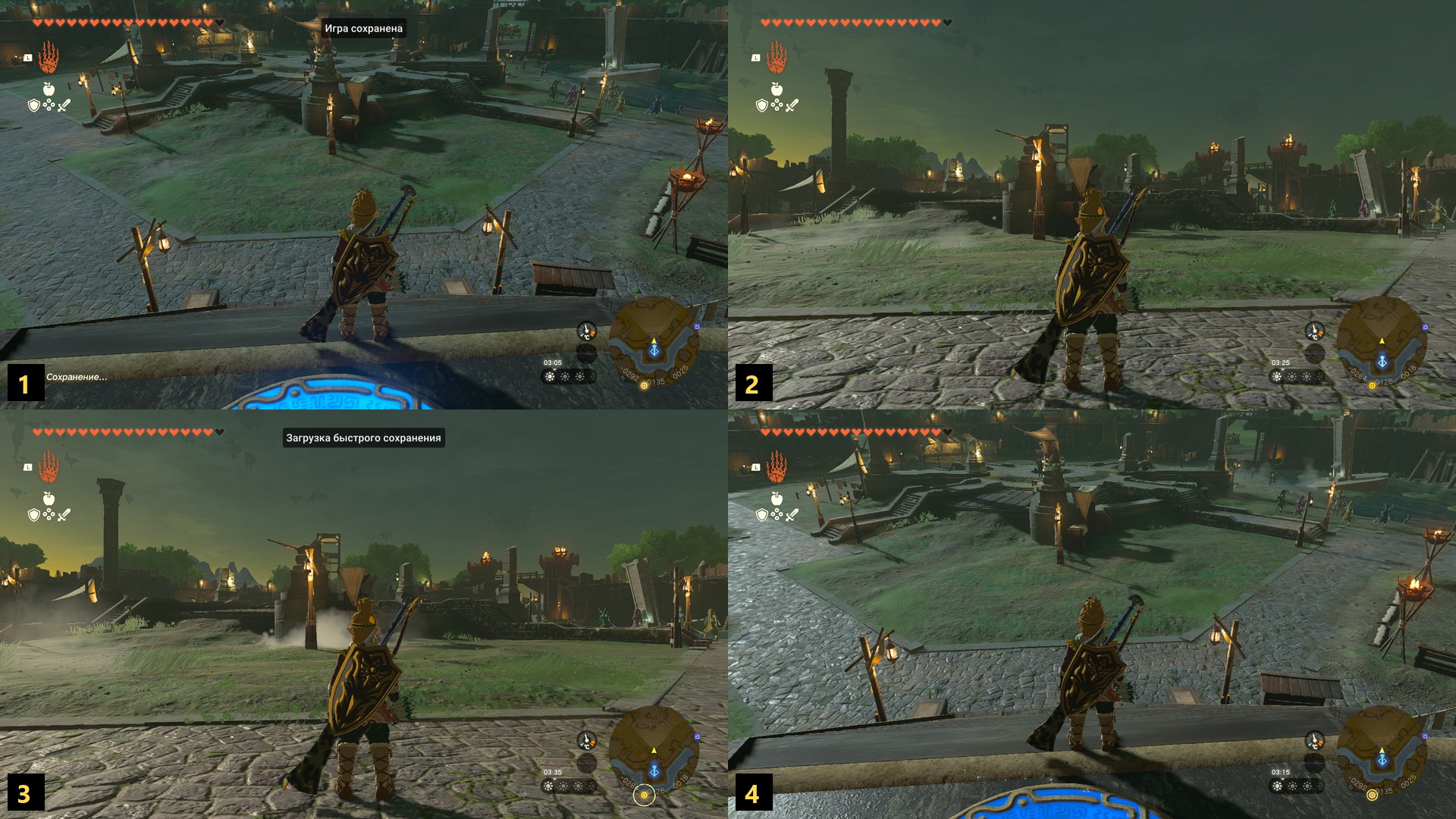
The unofficial native PC port of The Legend of Zelda: Tears of the Kingdom reached version 0.5.0 on November 22. It adds AMD FSR 3.1 upscaling and frame generation, quick save and load, a free camera, and a long list of fixes. The useful distinction for players is that the new visual and performance switches are experimental and off by default. This is a community project, not a Nintendo PC release, and it requires the player's own game files. The maintainer's release notes are the primary record; this article is a same-day look at the choices in that update, rather than a claim of hands-on benchmarking.
FSR 3.1 and frame generation are separate decisions
FSR 3.1 is a temporal upscaler available in the game's 3D scene settings. According to the maintainer, it can reduce shimmer on distant edges and vegetation, while rendering below native resolution can improve frame rate when the GPU is the limiting factor. The same notes warn that the upscaler costs roughly 1.5 ms of CPU time per frame. That makes it a poor universal “free FPS” setting: on a CPU-limited machine it could lower performance. The reported numbers are project measurements, not tests we conducted.
Frame generation is another option, under the Game tab. It inserts a generated image between rendered frames and is intended for a game already drawing at least 60 frames per second. The author warns that artefacts and input delay become more noticeable below that baseline. It is easy to mistake a higher displayed number for a faster responding game; those are different things. Start with the default settings, change one switch at a time, and judge both image stability and controls on your own hardware. The developer also says DLSS was tested by community members rather than on the maintainer's machine.
The optional sync_ahead and barrier_merge switches are similarly hardware-specific. The release gives striking examples on a GTX 1050 Ti laptop and an RX 7900 XT waterfall, but expressly warns about possible stutter, flicker or misplaced scenery. They are examples from particular scenes and configurations, not a promise for every PC. The Linux profile-guided-optimization build exists, but its author says it has not yet been personally tested or compared with the ordinary AppImage.
Quick save changes the risk of a long session
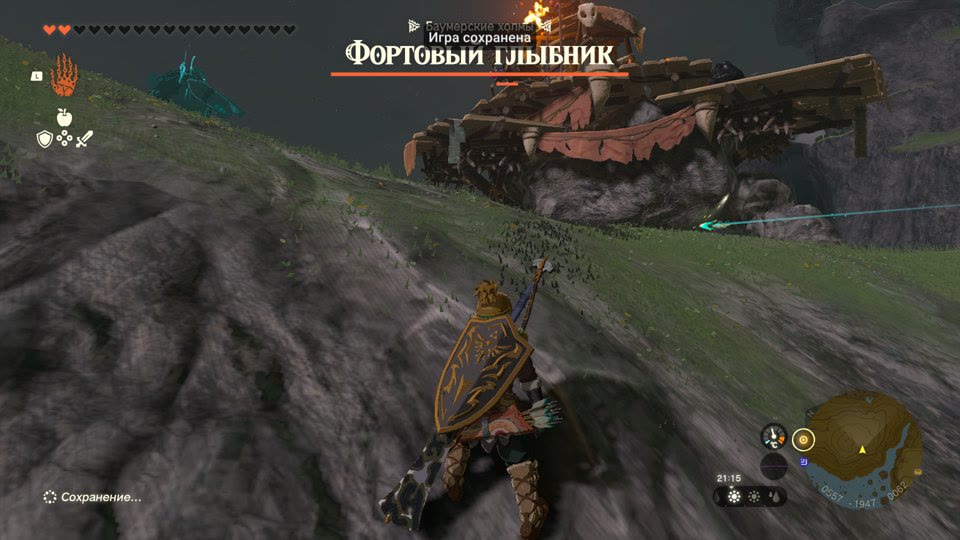
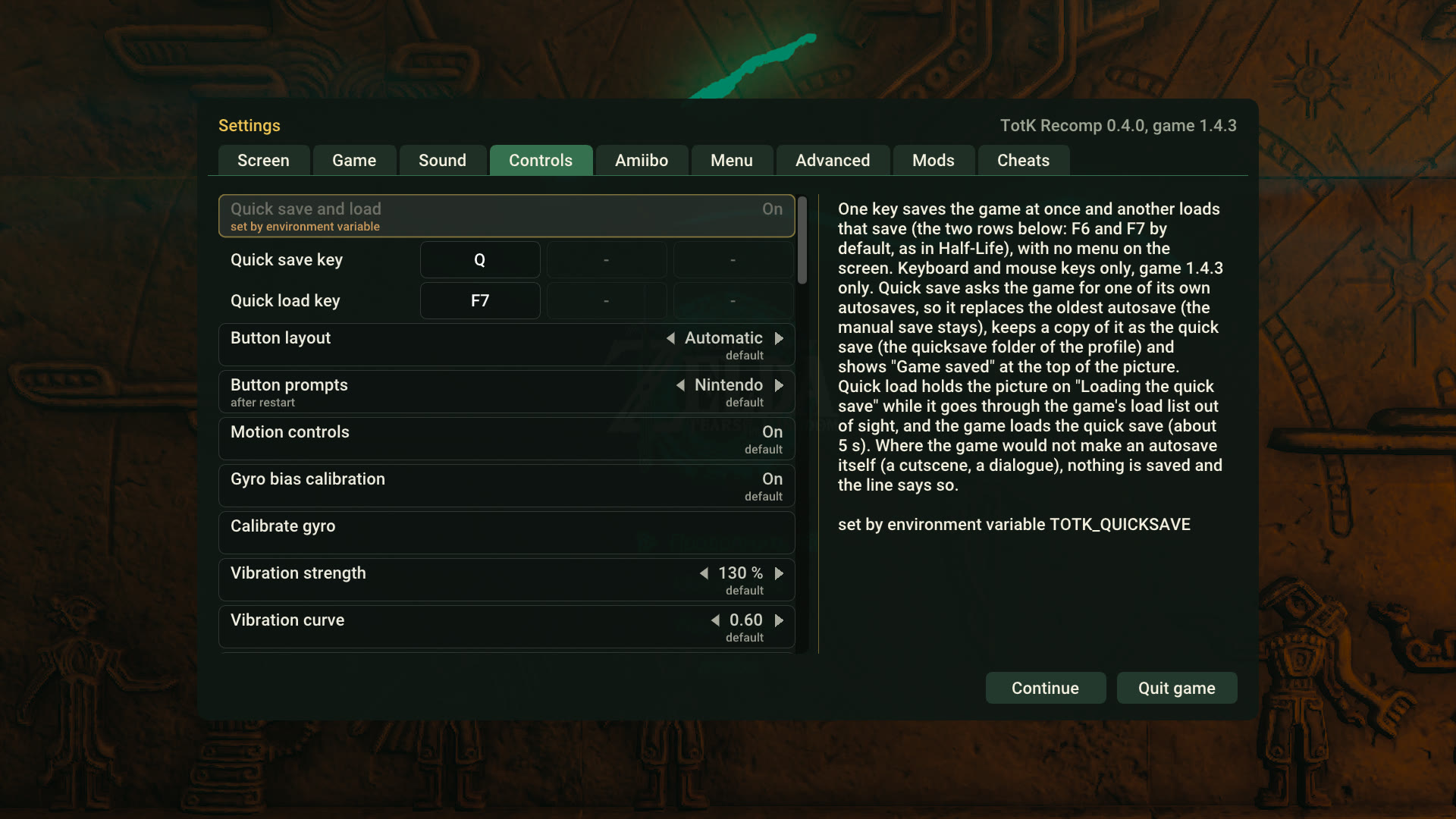
The new F6 quick save and F7 quick load are opt-in controls on game version 1.4.3. The merged implementation and its test images explain an important catch: a quick save replaces the oldest autosave, while leaving a manual save alone. It is therefore worth making a normal manual save before experimenting with the feature, especially if you depend on older autosave points. Quick save is unavailable in some moments, such as cutscenes and dialogue, and quick load returns through the game's own loading sequence rather than instantly restoring a frozen frame.
The controls can be rebound in the menu. A separate free-camera option, also limited to 1.4.3, lets players detach the view from Link for exploration or photographs and then return to normal play. It requires activation and a restart. The release also adds PlayStation button prompts, an ultrawide HUD width control, and a mod-order rule that makes higher entries win when code patches conflict. These are tangible quality-of-life changes even for a player who leaves every frame-rate experiment switched off.
What to check before updating
The installer is designed to run over an existing installation, keeping game files, saves and totk.ini while rebuilding the executable and shaders. That rebuild can take time. Confirm the supported game update and leave enough room for the build process; do not treat a port patch as a source of game files. Because 0.5.0 changes shaders and input paths, keep a copy of your settings and a manual in-game save before switching options.
There are targeted repairs beyond the headline features. Steam Input gyro handling is improved; an aiming tilt after loading has been corrected; NVIDIA Reflex should no longer cap fps_limit = display at 60; and sound that went silent above about 200 fps has a fix. Version 1.1.0 and 1.4.3 receive different game-specific repairs, so the full release notes matter more than a generic “works on TotK” claim. The maintainer does not claim all game versions have every feature.
A sensible first update is the default build with default graphics, followed by a short check of saves, input and familiar scenes. Then enable one optional feature and compare the result. If a frame-generation counter rises but bow aiming or motion feels worse, the counter has not answered the player's real question. This release offers welcome controls and a broad set of repairs, but it is still a developing, unofficial port whose most dramatic performance gains remain configuration-dependent.
Source date: November 22, 2026