ROG Ally's Xbox App Gets Major Display Upgrades
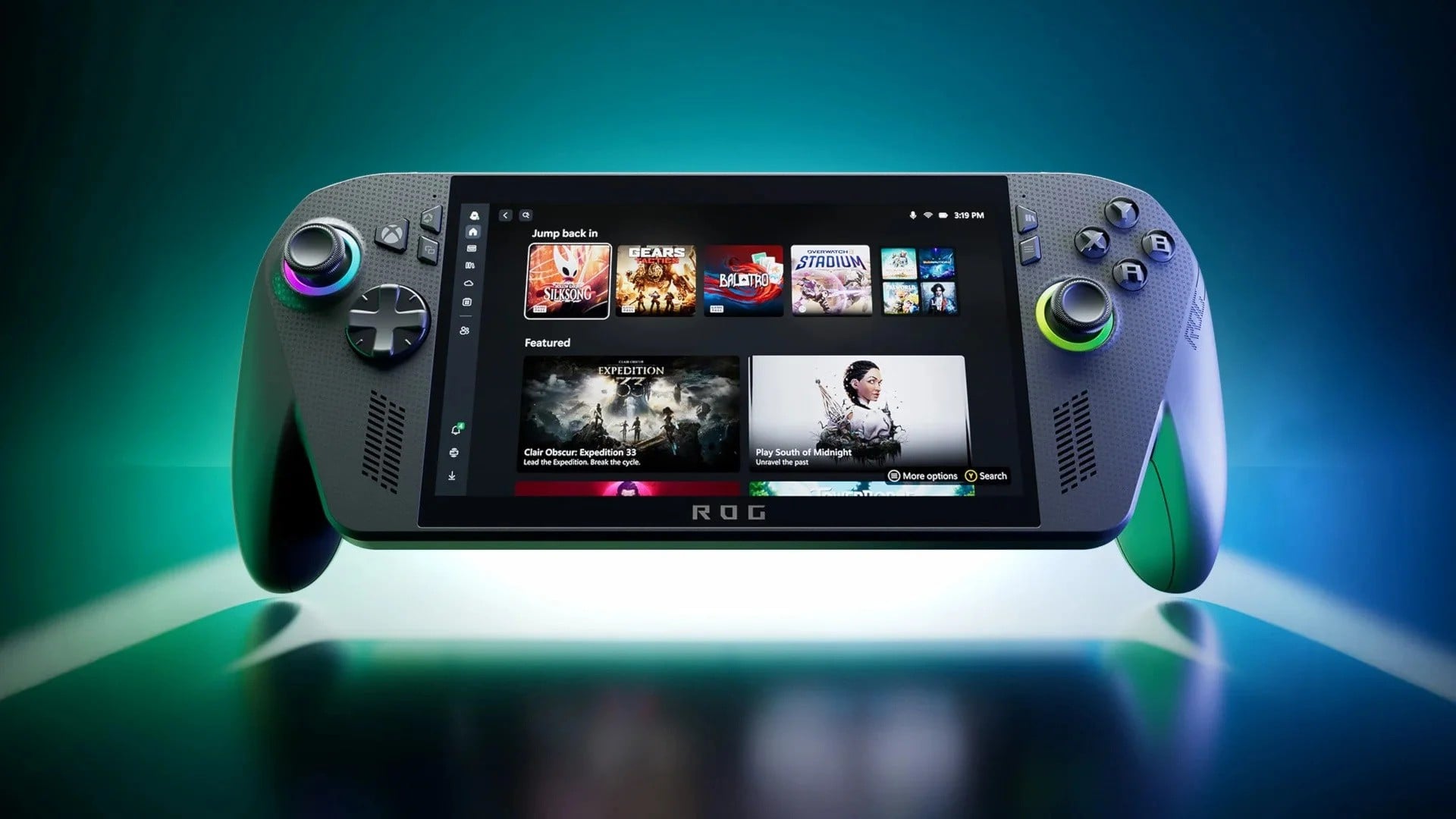
Asus is pushing the ROG Ally further into the living room and beyond with a significant update to its Xbox app integration. This isn't just a minor patch; it's a strategic move to solidify the Ally's position as a versatile PC gaming handheld capable of a more console-like experience. The new features, centered around display customization and docking, signal a clear intent to smooth out the rough edges of PC gaming on a portable device, directly addressing user feedback and paving the way for future enhancements.New Display Tab Enhances ROG Ally Customization
The headline feature is the introduction of a dedicated 'Display' tab within the Xbox app itself. This is a game-changer for users who want granular control over their visual output without digging through multiple system menus. Gone are the days of fumbling for the right settings; now, users can directly adjust resolution and refresh rate from within the familiar Xbox interface. This streamlined access, achievable through a quick press of the Xbox guide button, significantly lowers the barrier to entry for optimizing game performance and visual fidelity on the ROG Ally's screen. It’s a direct response to the desire for a more immediate and intuitive gaming setup, mirroring the simplicity found in traditional console gaming.Projection Tab Simplifies Docking ROG Ally
Complementing the display enhancements is the new 'Projection' tab. This feature is tailor-made for those who intend to use their ROG Ally docked to an external monitor or TV. By centralizing all display adjustments related to docking, Asus is eliminating a common pain point for PC handheld users. No longer will users have to juggle settings between the handheld’s internal display and external output; the Projection tab offers a unified control panel. This move is crucial for attracting users who want the flexibility of a PC but the plug-and-play convenience of a console when connected to a larger screen. It's about making the transition seamless, ensuring that the gaming experience remains uninterrupted and visually optimal, regardless of the display setup.Future Auto Super Resolution for ROG Ally
Looking further down the road, Asus has announced an upcoming April 2026 update that will introduce an Auto Super Resolution feature. This forward-thinking addition, integrated into the Display tab, promises to automatically upscale game visuals and potentially boost performance. While the specifics are still under wraps, the implication is a system that intelligently manages rendering resolution and applies sophisticated upscaling techniques to provide a sharper, more detailed image without a significant performance hit. This is a clear nod to the growing importance of AI and machine learning in enhancing gaming experiences, and it positions the ROG Ally as a device that continues to evolve and improve over its lifespan. Such features are becoming increasingly vital in the competitive handheld market, pushing the boundaries of what portable PC gaming can achieve.Nine Notification Locations for Seamless Gameplay
In a move that demonstrates a keen understanding of user experience, the update also introduces nine distinct locations for displaying on-screen notifications. This seemingly small tweak has a significant impact on immersion and personalization. Players can now choose where they want alerts to appear, minimizing distractions and ensuring that crucial gameplay information doesn't obscure vital in-game elements. Whether it's a chat message, a system alert, or a game update, users have the power to dictate its placement. This level of customization caters to individual preferences and playstyles, contributing to a more comfortable and focused gaming session. It’s these thoughtful, user-centric additions that can truly differentiate a device in a crowded market.Frequently Asked Questions
When will the ROG Ally's Auto Super Resolution feature be available?
The Auto Super Resolution feature is slated for release in an update in April 2026. This will be integrated into the Display tab within the Xbox app on the ROG Ally.
Can I adjust the ROG Ally's refresh rate directly in the Xbox app?
Yes, the new 'Display' tab in the Xbox app on the ROG Ally allows users to directly adjust resolution and refresh rate. This can be accessed via the Xbox guide button.
Is the ROG Ally compatible with external displays when docked?
The new 'Projection' tab is specifically designed to manage display settings when docking the ROG Ally to an external monitor or TV. This streamlines the setup process for external displays.
Tags : #ROGxbox #AllyUpdate #FullScreenGaming #EnhancedExperience #ProfessionalGamingNews
Confirmed details first, useful context second. This is the quickest path to the source trail and the next pages worth opening.