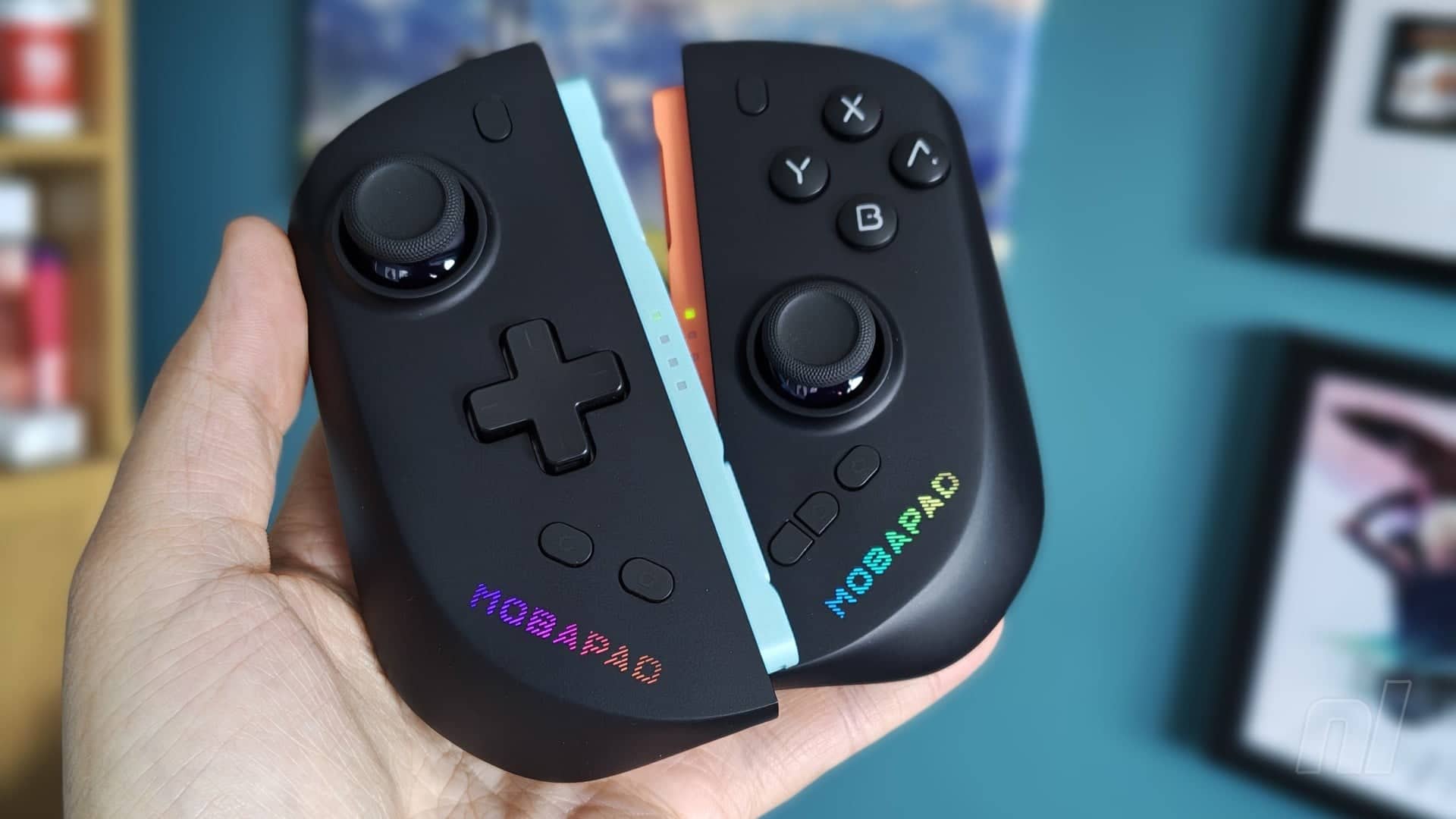
Mobapad M12: Deep Dive into the Next-Gen Joy-Con Contender
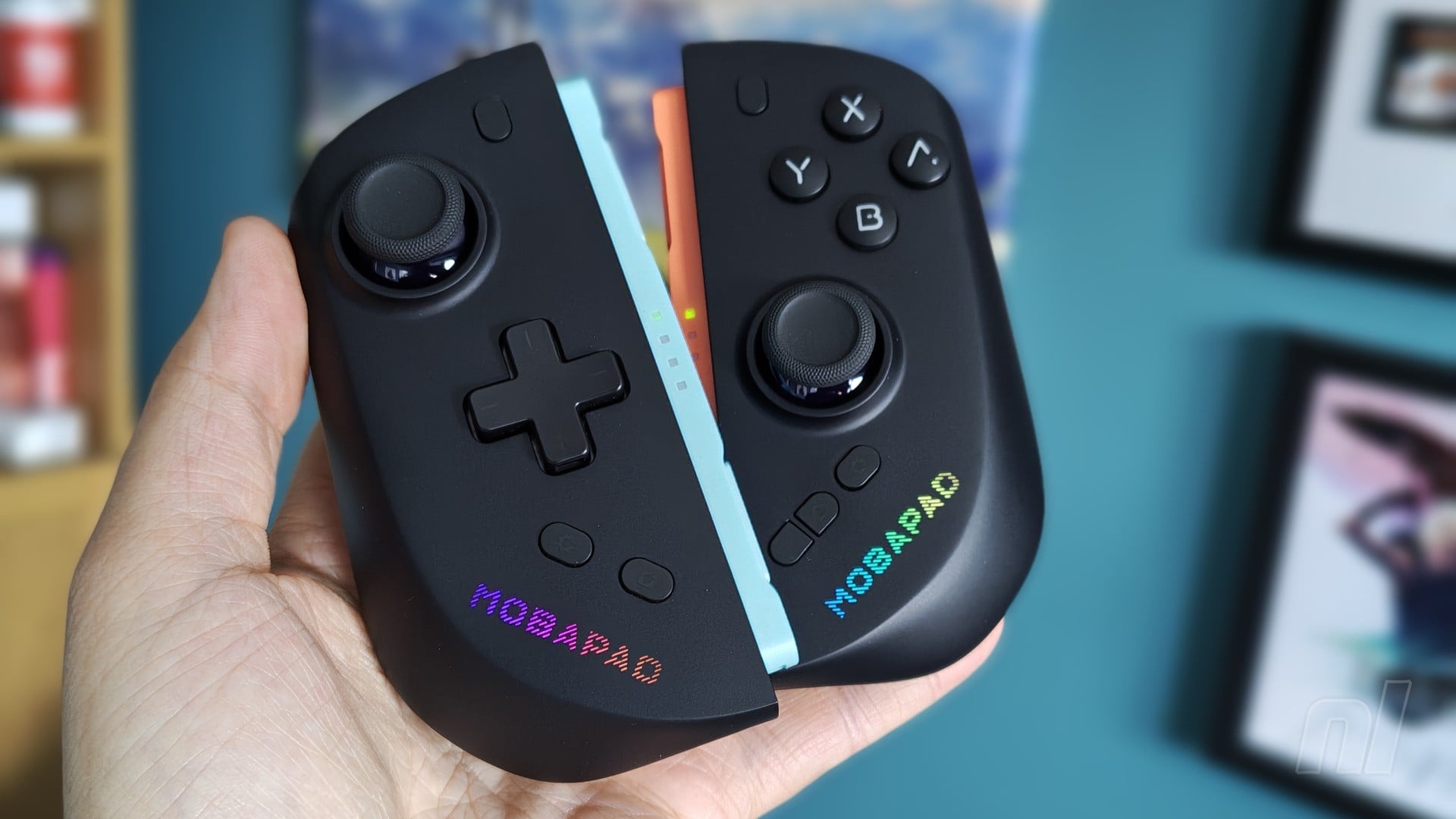
Forget everything you thought you knew about third-party controllers. The market for handheld peripherals just got a serious shake-up with the arrival of the Mobapad M12. Is this the controller that finally solves the perennial issues plaguing the official Joy-Con 2 line? The answer is complex, featuring some genuinely revolutionary tech alongside some glaring omissions.
What this means for players: The M12 forces a critical look at what the next generation of portable gaming input needs, raising the bar for every competitor that follows. If you've spent hours battling stick drift or just craving better comfort, this deep look at the Mobapad s M12 ergonomics review is mandatory reading.
- Tech Leap: Features TMR technology and 'glide' analogue sticks designed specifically to combat stick drift and ensure superior smoothness.
- Customization King: Offers deep customization via the Mobapad app, including two programmable rear buttons and dual D-pad options.
- Critical Flaw: The lack of dedicated mouse support remains the single biggest functional drawback for specific gaming sessions.
The M12 is positioned not just as a replacement, but as a significant technical upgrade over the original Joy-Con 2 for the Switch 2 platform. This isn't just about aesthetics; it’s about fundamental input mechanics.
Ergonomics and Technical Edge of M12
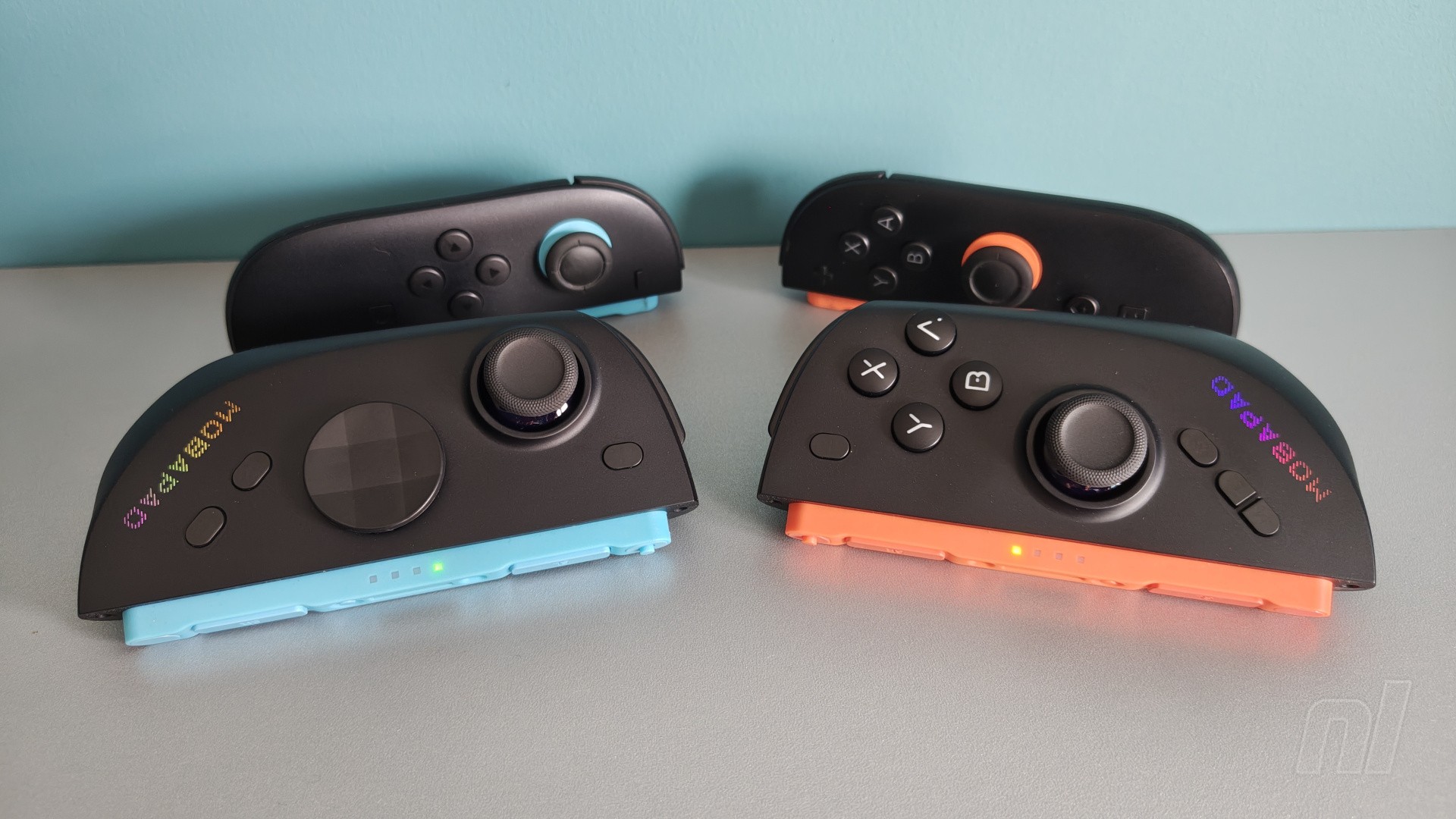
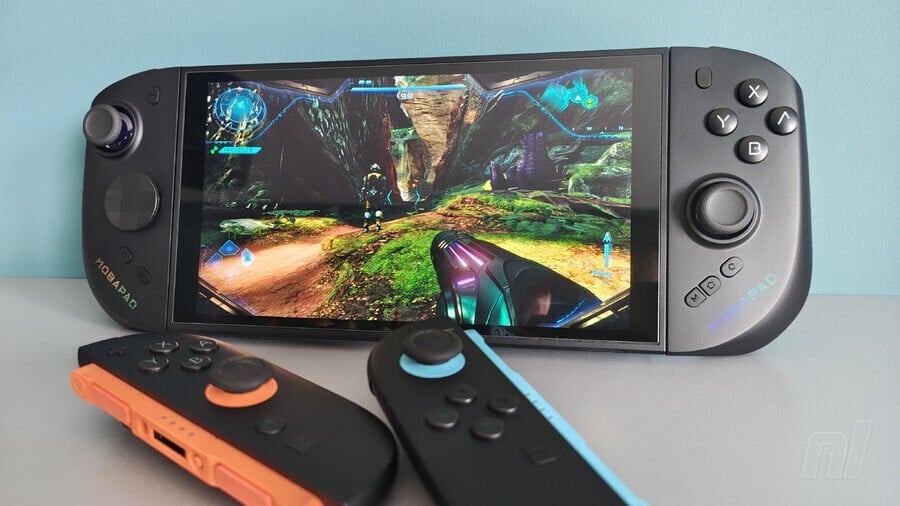
The most immediate question facing any potential buyer is comfort. When comparing the M12 to the official Joy-Con 2 comfort, the Mobapad has certainly made strides. The overall build feels robust, and the ergonomic shape attempts to mimic the best parts of traditional controllers while maintaining portability.
But the real magic—and the serious technical selling point—lies beneath the surface. Mobapad incorporated 'glide' technology into the analogue sticks. This isn't just marketing hype; it's a physical solution designed to prevent the notorious material grinding that causes stick wear. More impressively, they integrated TMR (Tunnel Magnetoresistance) technology. This specific advancement is theoretically engineered to prevent the persistent issue of analogue stick drift, a pain point that has plagued generations of Nintendo controllers.
These technical enhancements drastically elevate the conversation around M12 analogue stick drift prevention. While the general Mobapad s M12 ergonomics review praises the feel, it's the underlying mechanics that make this device a genuine contender in the market.
Customization and Connectivity Features
Mobapad didn't just upgrade the sticks; they built an entire ecosystem of customization around it. Users aren't limited to standard inputs. The M12 provides two distinct D-pad options—a classic cross and a more angular 'shield' design—to suit different playstyles.
The addition of two programmable rear buttons ('M1' and 'M2') is a game-changer. These aren't just cosmetic additions; they allow players to assign functions that might otherwise require complex button combinations, dramatically improving response time in fast-paced action titles. The accompanying Mobapad app ties it all together, allowing deep remapping and testing of inputs. Furthermore, the customizable RGB lighting adds a personalized flair, though this is purely cosmetic.
When considering M12 connectivity features, the flexibility is impressive. The controller can draw direct power when paired with the Switch 2, offering a seamless, traditional experience. Crucially, it also supports standard Bluetooth operation in a power-saving mode, making it useful for diverse setups.
What is Missing from the M12?
No hardware release is perfect, and the M12 is no exception. While the technological leaps are undeniable, two critical functional areas draw criticism from the hardcore gaming community. The first is the recharge cycle: the M12 currently only recharges when the Switch 2 is actively powered on and in use, which limits portability when using it in standalone mode.
The second, and most significant critique, is the lack of dedicated mouse support. For specific genres, particularly those involving detailed precision aiming or 'Drag x Drive' style sessions, a traditional mouse input is non-negotiable. The fact that this feature is absent makes the comparison to a full-featured M12 Pro Controller comparison slightly uneven for certain niche players.
This omission highlights a major gap in the market. While the M12 vs Joy-Con 2 comfort debate is largely won by the M12's advanced mechanics, the absence of mouse functionality prevents it from claiming the title of the ultimate, all-purpose gaming input device.
Frequently Asked Questions
Does the M12 prevent stick drift completely?
The M12 incorporates TMR technology and 'glide' analogue sticks specifically designed to combat drift. While highly effective, no current controller can guarantee zero drift prevention.
How does the M12 compare to the Joy-Con 2?
The M12 offers superior customization, enhanced build quality, and advanced drift-prevention tech, making it a significant ergonomic and technical upgrade over the standard Joy-Con 2.
Is the M12 compatible with PC mouse input?
No, the M12 does not feature dedicated mouse support. Its primary focus remains on console-style input, making it unsuitable for PC gaming that requires mouse precision.
The M12 successfully raises the bar for portable controller design by solving the core issues of drift and wear. However, its current limitations, especially regarding standalone charging and mouse support, define its niche use case. We anticipate future firmware updates will address the charging cycle, making it more viable for extended Bluetooth use. Furthermore, industry leaders will need to acknowledge the demand for dedicated, modular input methods that integrate full mouse support.
Confirmed details first, useful context second. This is the quickest path to the source trail and the next pages worth opening.
Source date: May 21, 2026